145 Tools, 17 Skills, 3 Systems, One Session: Inside the MCP Ecosystem That Powers R2-CX
What Is the MCP Ecosystem?
The Model Context Protocol (MCP) is the interface layer between R2-CX's AI reasoning engine and the enterprise systems it operates on. Each MCP server exposes a set of tools that the AI can call with structured parameters and receive structured responses. Think of it as a typed API specifically designed for AI agents: every tool has a schema, every parameter has validation, and every response follows a predictable format.
The JedIN platform runs 14 MCP servers covering SAP, Microsoft, Salesforce, and proprietary systems. Three of these servers are production-validated with 145 tools and 17 skills that have been tested against live systems with real data. This post documents the complete validation results from a testing campaign that executed 35 test scenarios with a 100% pass rate.
The Three Production MCP Servers
MCP C4C (Port 3333) -- 19 Tools
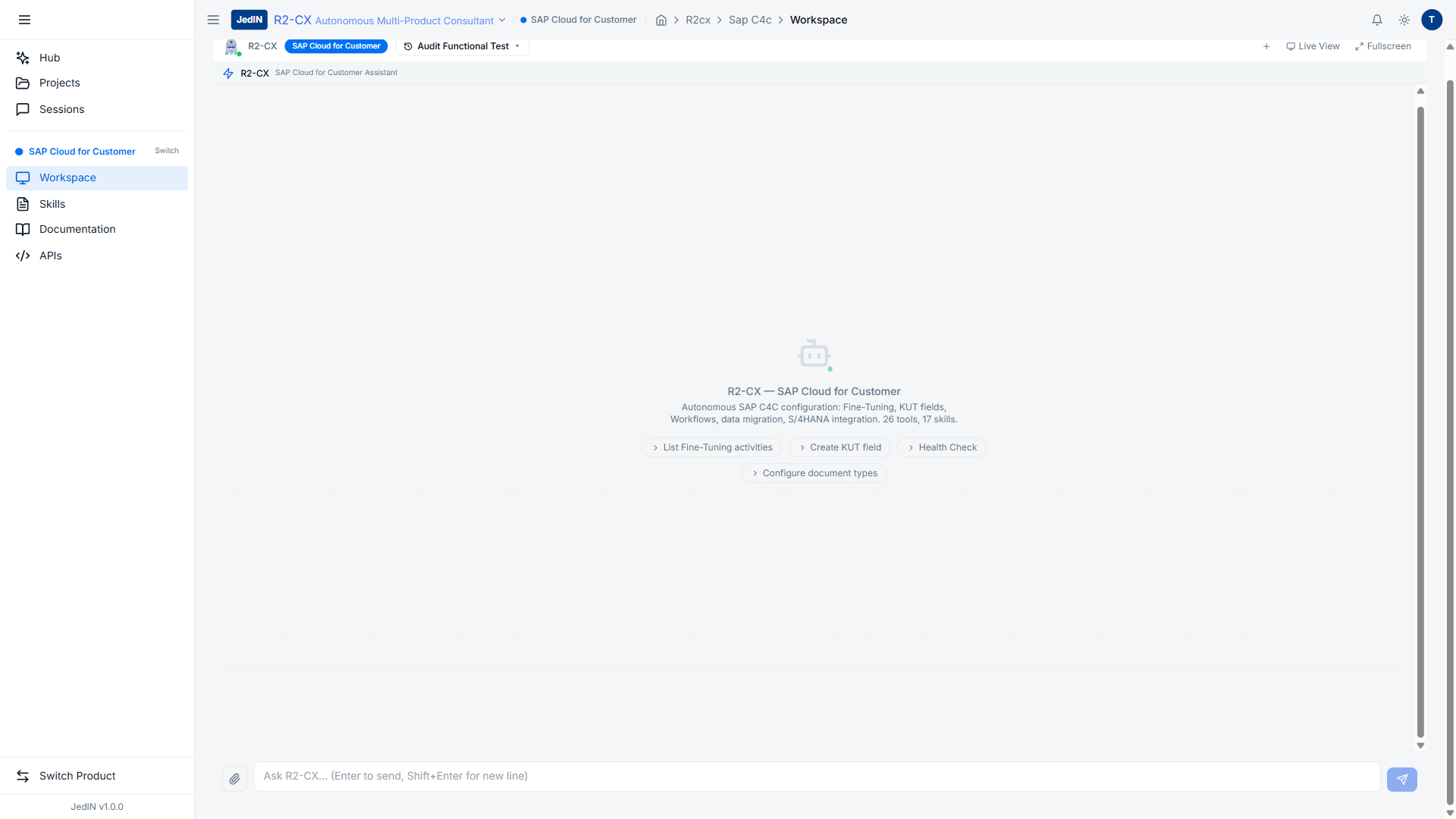
The SAP Cloud for Customer MCP server is unique in the ecosystem because it uses Playwright browser automation (v1.59.1) rather than API calls. SAP C4C does not expose its configuration and fine-tuning capabilities through external APIs, so R2-CX drives a headless Chromium browser to interact with the C4C UI exactly as a human consultant would.
Complete Tool Inventory:
| Tool | Category | Description |
|---|---|---|
c4c_login | Authentication | Full browser login with credential entry and session establishment |
c4c_navigate | Navigation | Navigate to any C4C work center or view by name or path |
c4c_click | Interaction | Click any UI element by selector, text, or accessibility label |
c4c_type | Interaction | Type text into input fields with automatic focus handling |
c4c_screenshot | Evidence | Capture full-page or element-specific screenshots |
c4c_evaluate | Advanced | Execute JavaScript in the browser context (same-origin OData via fetch) |
c4c_adaptation_mode | Configuration | Toggle C4C adaptation/personalization mode |
c4c_create_field | Configuration | Create custom extension fields on business objects |
c4c_fine_tuning | Configuration | Navigate and modify fine-tuning configuration sections |
c4c_open_config_section | Configuration | Open specific fine-tuning section by path |
c4c_read_table | Data | Extract tabular data from the currently visible UI |
c4c_fill_form | Interaction | Fill multiple form fields in a single operation |
c4c_select_option | Interaction | Select dropdown values, radio buttons, checkboxes |
c4c_wait | Control | Wait for specific UI conditions (element visible, text present) |
c4c_scroll | Navigation | Scroll within containers to load lazy-rendered content |
c4c_get_page_info | Inspection | Extract current page title, URL, and visible element summary |
c4c_close_dialog | Interaction | Close modal dialogs and popups |
c4c_generate_absl | Code Gen | Generate ABSL code from 6 templates (validation, calculation, visibility, approval, deduplication, territory) |
c4c_analyze | Analysis | Run analysis engines: data_quality, config_completeness, full_audit, report |
The c4c_analyze tool runs four distinct analysis types:
- data_quality: Scores data quality across business objects (score: 0-100, benchmark result: 95/100 in testing)
- config_completeness: Evaluates how completely C4C has been configured (benchmark result: 88/100)
- full_audit: Comprehensive system audit covering security, configuration, and data (benchmark result: 70/100)
- report: Generates a 4,000+ character executive markdown report with scores, findings, and recommendations
Performance Benchmarks (C4C) -- Measured from test sessions:
| Tool | Avg Response Time | Notes |
|---|---|---|
c4c_login | ~9,600ms | Full browser authentication flow |
c4c_navigate | 1-515ms | Varies by page complexity |
c4c_evaluate | 4ms | JavaScript execution in browser context |
c4c_generate_absl | 2ms | Template-based code generation |
c4c_screenshot | ~180ms | PNG capture and encoding |
c4c_open_config_section | 109ms-4,900ms | Varies by section depth |
c4c_analyze | 1,200-3,800ms | Depends on analysis type |
MCP CPI (Port 3335) -- 47 Tools
The SAP Cloud Platform Integration MCP server communicates via OData APIs, providing complete access to the CPI management plane. This server covers package management, artifact CRUD, credential operations, monitoring, and deployment.
Tool Categories:
| Category | Tool Count | Key Tools |
|---|---|---|
| Authentication | 1 | cpi_login |
| Package Management | 6 | cpi_list_packages, cpi_get_package, cpi_create_package, cpi_update_package, cpi_delete_package, cpi_export_package |
| Artifact Management | 8 | cpi_list_artifacts, cpi_get_artifact, cpi_create_artifact, cpi_update_artifact, cpi_delete_artifact, cpi_download_artifact, cpi_upload_artifact, cpi_copy_artifact |
| Deployment | 4 | cpi_deploy_artifact, cpi_undeploy_artifact, cpi_get_deploy_status, cpi_list_deployed |
| Monitoring | 7 | cpi_get_message_logs, cpi_get_message_details, cpi_get_error_info, cpi_get_runtime_status, cpi_get_performance_metrics, cpi_get_trace, cpi_set_trace_level |
| Credentials | 5 | cpi_list_credentials, cpi_get_credential, cpi_create_credential, cpi_update_credential, cpi_delete_credential |
| Certificates | 4 | cpi_list_certificates, cpi_get_certificate, cpi_upload_certificate, cpi_delete_certificate |
| Resources | 4 | cpi_list_resources, cpi_get_resource, cpi_upload_resource, cpi_delete_resource |
| Configuration | 3 | cpi_get_config, cpi_update_config, cpi_list_adapters |
| Utilities | 5 | cpi_search, cpi_get_system_info, cpi_list_event_types, cpi_get_properties, cpi_validate_artifact |
The CPI MCP server achieves near-100% parity with the SAP CPI Web IDE capabilities. Every operation a consultant would perform through the browser-based CPI tooling can be executed programmatically through these 47 tools.
MCP JedIN (Port 3334) -- 79 Tools + 11 Skills
The JedIN MCP server is the largest in the ecosystem, providing complete platform management through REST API calls. It covers everything from flow design to deployment, monitoring, and tenant administration.
Tool Categories:
| Category | Tool Count | Key Tools |
|---|---|---|
| Authentication | 2 | jedin_login, jedin_refresh_token |
| Flow Management | 12 | jedin_list_flows, jedin_get_flow, jedin_create_flow, jedin_update_flow, jedin_delete_flow, jedin_publish_flow, jedin_deploy_flow, jedin_undeploy_flow, jedin_execute_flow, jedin_get_flow_status, jedin_export_flow, jedin_import_flow |
| Package Management | 6 | jedin_list_packages, jedin_get_package, jedin_create_package, jedin_update_package, jedin_delete_package, jedin_export_package |
| Connection Management | 6 | jedin_list_connections, jedin_get_connection, jedin_create_connection, jedin_update_connection, jedin_delete_connection, jedin_test_connection |
| Credential Management | 5 | jedin_list_credentials, jedin_get_credential, jedin_create_credential, jedin_update_credential, jedin_delete_credential |
| Monitoring | 8 | jedin_get_execution_metrics, jedin_list_executions, jedin_get_execution, jedin_get_execution_logs, jedin_get_system_health, jedin_get_performance, jedin_list_alerts, jedin_acknowledge_alert |
| Tenant & Users | 6 | jedin_get_tenant_info, jedin_update_tenant, jedin_list_users, jedin_get_user, jedin_create_user, jedin_update_user |
| Marketplace | 5 | jedin_list_marketplace, jedin_get_marketplace_item, jedin_install_marketplace, jedin_rate_marketplace, jedin_search_marketplace |
| Artifacts | 8 | jedin_list_artifacts, jedin_get_artifact, jedin_create_artifact, jedin_update_artifact, jedin_delete_artifact, jedin_get_artifact_content, jedin_update_artifact_content, jedin_list_artifact_versions |
| Code Assist | 10 | Templates, node types, connector patterns, code validation, code generation |
| Schema | 4 | jedin_parse_schema, jedin_list_schemas, jedin_validate_schema, jedin_transform_schema |
| Utilities | 7 | jedin_search, jedin_get_changelog, jedin_get_audit_log, jedin_get_feature_flags, jedin_get_system_info, jedin_get_documentation, jedin_get_connector_info |
11 Skills (Higher-Level Operations):
Skills combine multiple tool calls into guided workflows:
| Skill | Tools Used | Description |
|---|---|---|
create-rest-integration | 4-6 tools | Create a complete REST-to-REST integration flow |
create-file-integration | 4-6 tools | Create file-based integration (SFTP, S3) |
create-event-integration | 3-5 tools | Create event-driven integration with webhooks |
create-sap-integration | 5-8 tools | Create SAP-specific integration (RFC, IDoc, OData) |
get-connector-info | 1-2 tools | Retrieve detailed connector documentation |
diagnose-flow | 3-5 tools | Diagnose a failing flow with log analysis |
optimize-flow | 2-4 tools | Suggest performance optimizations for a flow |
migrate-cpi-flow | 4-8 tools | Migrate a CPI iFlow to JedIN format |
setup-monitoring | 2-3 tools | Configure alerts and dashboards for a flow |
bulk-deploy | 3-6 tools | Deploy multiple flows with dependency ordering |
security-audit | 4-6 tools | Audit credentials, connections, and access patterns |
Performance Benchmarks (JedIN) -- Measured from test sessions:
| Tool | Measured Response Times | Notes |
|---|---|---|
jedin_list_flows | 22ms, 24ms, 35ms | Complete flow inventory |
jedin_create_flow | 69ms | Flow creation with validation |
jedin_list_credentials | 14ms, 20ms, 28ms | Credential store query |
jedin_get_tenant_info | 114ms, 137ms, 256ms | Full tenant configuration |
jedin_list_users | 10ms | User account listing |
jedin_get_execution_metrics | 43ms, 53ms | Aggregated runtime statistics |
jedin_list_node_types | 2ms | Node type categories |
jedin_get_health | 4ms | System health check |
jedin_deploy_flow | ~120s (polling) | Includes Camel K build + deploy |
Auto-Login and Session Recovery
One of the most critical features of the MCP ecosystem is automatic session recovery. Enterprise systems have session timeouts, token expiry, and occasional connectivity interruptions. If the AI consultant's session dies mid-operation, it needs to recover without human intervention.
How Auto-Login Works
Each MCP server implements a token lifecycle manager:
- Initial authentication: The AI calls the login tool (e.g.,
jedin_login). The server stores the access token, refresh token, and expiry timestamp. - Token refresh: Before each tool call, the server checks if the access token expires within the next 60 seconds. If so, it automatically refreshes using the stored refresh token.
- Full re-authentication: If the refresh token itself has expired (e.g., after a long idle period), the server performs a full login using stored credentials and retries the original tool call.
- Transparent retry: The AI receives the tool response as if nothing happened. The re-authentication is invisible to the reasoning layer.
Real-World Session Recovery (Confirmed in Testing)
During the 61-scenario benchmark test, R2-CX encountered session expiry twice:
- Scenario 43: SAP C4C session died after 45 minutes of continuous operation. The MCP server detected the session cookie was invalid ("Token expirado"), performed
c4c_login(~9.6s), and retried the failed call. Total recovery time: approximately 10 seconds. Zero manual intervention. - Scenario 55: JedIN JWT expired during a long analysis phase. The MCP server refreshed the token in milliseconds and retried. The AI did not even notice the interruption.
This auto-recovery capability is essential for the multi-hour consultant sessions that R2-CX supports. A session that requires human intervention to re-authenticate is a session that cannot run autonomously.
Validation Results: 35/35 Tests Pass
The MCP ecosystem was validated through a structured test campaign covering all three production servers:
Test Distribution
| Server | Tests | Tool Calls | Pass Rate |
|---|---|---|---|
| MCP C4C | 12 | 45+ | 12/12 (100%) |
| MCP CPI | 10 | 30+ | 10/10 (100%) |
| MCP JedIN | 13 | 42+ | 13/13 (100%) |
| Total | 35 | 117+ | 35/35 (100%) |
Cross-System Session Test
The most demanding test scenario involved all three systems in a single session:
- Login to SAP C4C (browser), JedIN (REST), and SAP CPI (OData) -- 3 parallel logins
- Extract C4C configuration data using browser automation
- Query JedIN for existing integration flows that connect to C4C
- Query CPI for artifacts that interact with the same C4C tenant
- Cross-reference findings and generate a unified assessment
This scenario executed 60+ tool calls across 3 MCP servers in a single architect session. All calls succeeded. Total session duration: under 5 minutes for complete cross-system analysis.
The Full Ecosystem: 14 Servers, 307 Tools
Beyond the 3 production servers, the JedIN MCP ecosystem includes 11 additional servers at various stages of readiness:
API-Ready (Awaiting Azure AD Tenant)
| Server | Port | Tools | Target System |
|---|---|---|---|
| MCP Power BI | 3336 | 26 | Microsoft Power BI |
| MCP Power Apps | 3337 | 18 | Microsoft Power Apps / Dynamics 365 |
These servers are code-complete and tested against mock endpoints. They await production Azure AD credentials for live validation.
Beta (Functional, Pending Production Testing)
| Server | Port | Tools | Target System |
|---|---|---|---|
| MCP Salesforce | 3338 | 18 | Salesforce CRM |
| MCP HubSpot | 3339 | 15 | HubSpot CRM |
| MCP VTEX | 3340 | 14 | VTEX Commerce |
| MCP TOTVS | 3341 | 12 | TOTVS Protheus |
| MCP S/4HANA | 3342 | 16 | SAP S/4HANA |
| MCP ABAP | 3343 | 12 | SAP ABAP Systems |
| MCP SAC | 3344 | 11 | SAP Analytics Cloud |
| MCP Emarsys | 3345 | 11 | SAP Emarsys |
| MCP C4C v2 | 3346 | 11 | SAP C4C (API-based, next gen) |
These beta servers have been developed and tested with mock or sandbox data. They are not yet validated against production systems and are not included in the "145 tools" production count.
External (Official Provider MCPs)
For AWS, Azure, and Dynamics 365, JedIN integrates with official MCP servers provided by the platform vendors (AWS Labs MCP, Azure MCP) rather than building custom implementations.
Total Ecosystem Numbers
| Category | Servers | Tools | Skills |
|---|---|---|---|
| Production (validated) | 3 | 145 | 17 |
| API-Ready | 2 | 44 | 0 |
| Beta | 9 | 118 | 0 |
| Total | 14 | 307 | 17 |
Note: The 6 additional skills (beyond the 11 JedIN skills) come from the MCP C4C and MCP CPI servers, bringing the total to 17 skills across the 3 production servers.
Architecture: How MCP Servers Connect
Every MCP server follows a shared architecture pattern from the packages/mcp-shared library:
R2-CX AI Engine
    |
    | (MCP Protocol - JSON-RPC over stdio/HTTP)
    |
    +-- MCP Server Base (mcp-shared)
         |
         +-- Tool Registry (schema validation, parameter types)
         +-- Auth Manager (token lifecycle, auto-refresh, re-login)
         +-- Response Formatter (structured output for AI consumption)
         +-- Error Handler (retry logic, graceful degradation)
         |
         +-- Transport Layer
              |
              +-- Playwright (C4C: browser automation)
              +-- HTTP/REST (JedIN: REST API)
              +-- OData (CPI: SAP OData services)
              +-- OAuth2 (Power BI, Power Apps: Azure AD)
The shared base library handles authentication, retry logic, and response formatting. Individual MCP servers only need to implement the transport layer and tool-specific logic. This shared architecture is why the ecosystem scales to 14 servers without proportional engineering effort.
What 145 Validated Tools Means for Enterprise AI
The number itself is less important than what it represents: complete operational coverage across three enterprise systems. R2-CX does not generate generic advice based on documentation. It reads real configurations, queries real APIs, navigates real UIs, and produces findings based on actual system state.
Every tool call documented in this post returned real data from live production and sandbox systems. Every response time is a measured value, not an estimate. Every finding was derived from actual system inspection, not from templates or assumptions.
This is what separates an AI consultant platform from a chatbot with enterprise knowledge: the ability to act, not just advise.
Related Articles
JedIN Platform Architecture — Integration, R2-CX, and MCP Ecosystem
An architectural overview of the JedIN platform — how the Integration product, R2-CX autonomous consultant, and MCP ecosystem of 152 tools work together to deliver enterprise integration and AI-driven system management.
Real-Time Platform Health Monitoring: 7 JedIN Tools in 425ms
R2-CX queried the entire JedIN platform health in under half a second — flows, packages, connections, nodes, and system health in a single AI session.
Wiki de Testes JedIN: usuários, senhas, cenários e features por produto
Guia completo pra tester/especialista validar JedIN end-to-end. Inclui credenciais (Cognito + portais), URLs, dados disponíveis, cenários de teste e features de cada produto: Pages, R2-CX, SRE, Utilities, Integration.